Jedox has a web based admin interface. It is useful (amongst others) to analyse the efficiency of rules (cmp. [3]).
You can activate it in palo.ini [1] but it does not require any authentication [2] and thus should not be accessible outside the server.
But how to leverage it without the no-go of installing a web browser on the server?
Presumed that SSH access is configured you can tunnel the interface to your PC.
Enable the interface by adding admin 127.0.0.1 7778 to palo.ini.
If needed create a SSH tunnel with ssh -L 7778:127.0.0.1:7778 username@servername [4]
and open http://127.0.0.1:7778/ in your web browser.
Et voilà!
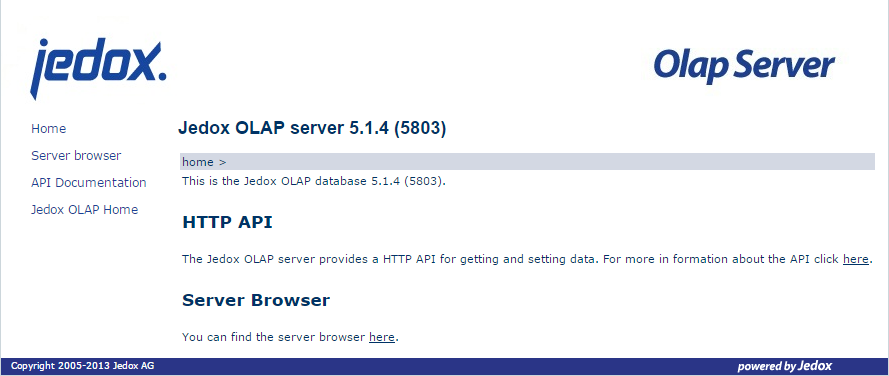
Figure 1: Jedox OLAP Server Admin Interface: Homepage
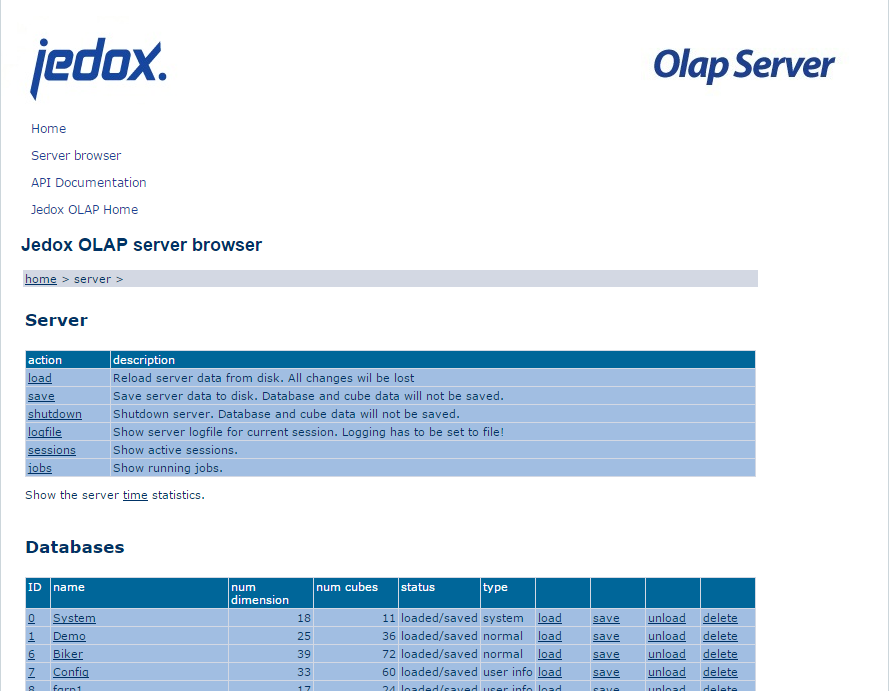
Figure 2: Jedox OLAP Server Admin Interface: Server Browser
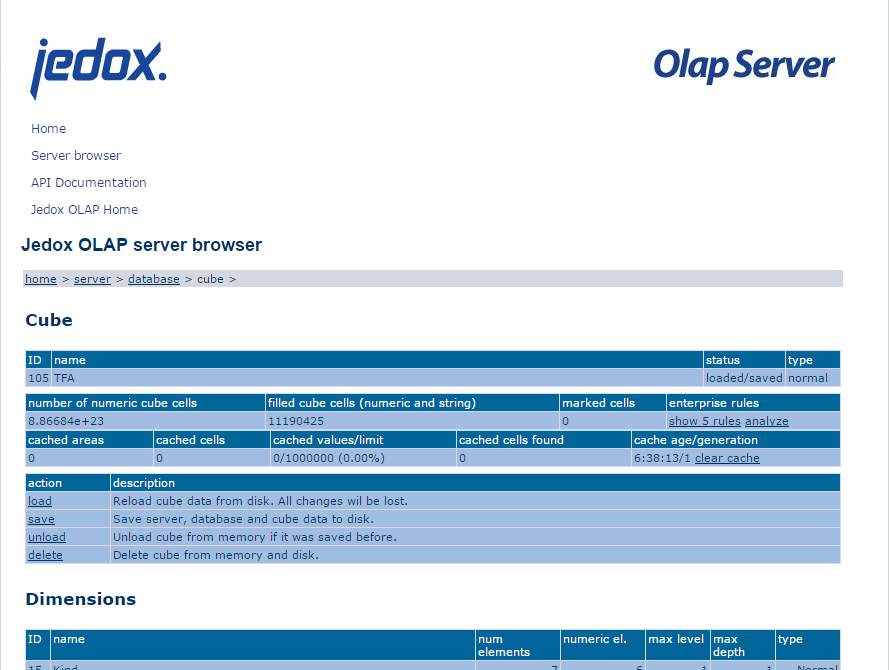
Figure 3: Jedox OLAP Server Admin Interface: Cube
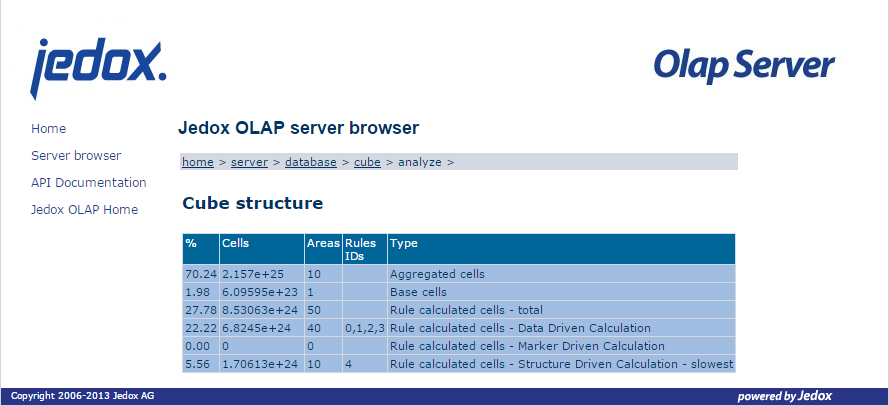
Figure 4: Jedox OLAP Server Admin Interface: Rule Analysis
[1] Jedox Administrator Guide Version 5.1 SR3: 3.4.1 Parameters of palo.exe
[2] Jedox Administrator Guide Version 5.1 SR3: 3.5 Jedox OLAP Server http API and Server Browser
[3] Jedox Administrator Guide Version 5.1 SR3: 8.6.4 Classification of Rules by Engine
[4] http://explainshell.com/explain?cmd=ssh+-L+7778%3A127.0.0.1%3A7778+username%40servername