Jedox has a web based admin interface.
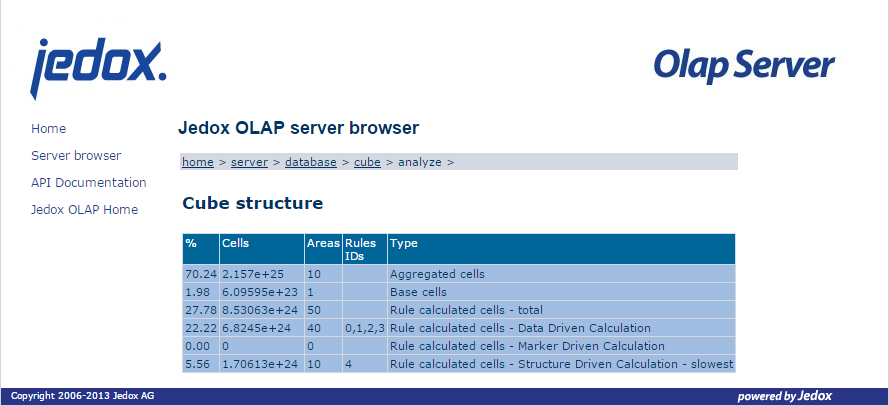
It is useful (amongst others) to analyse the efficiency of rules (cmp. [3]).
You can activate it in palo.ini [1]
but it does not require any authentication [2]
and thus should not be accessible outside the server.
But how to leverage it without the no-go of installing a web browser on the server?
Presumed that SSH access is configured you can tunnel the interface to your PC.
Enable the interface by adding admin 127.0.0.1 7778 to palo.ini.
If needed create a SSH tunnel with ssh -L 7778:127.0.0.1:7778 username@servername [4]
and open http://127.0.0.1:7778/ in your web browser.
Et voilà!
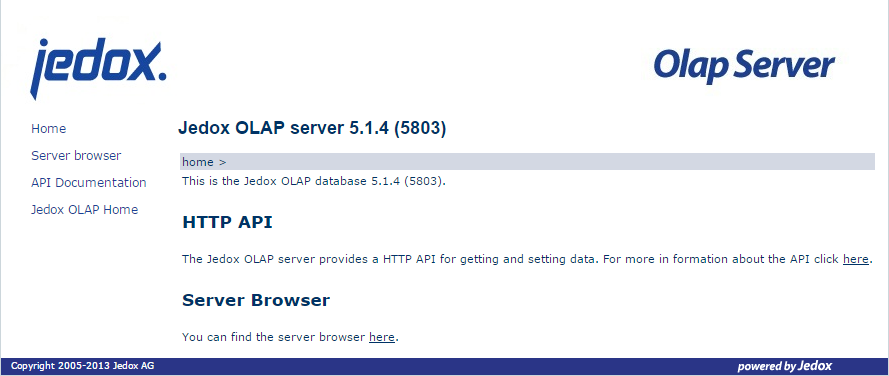
Figure 1: Jedox OLAP Server Admin Interface: Homepage
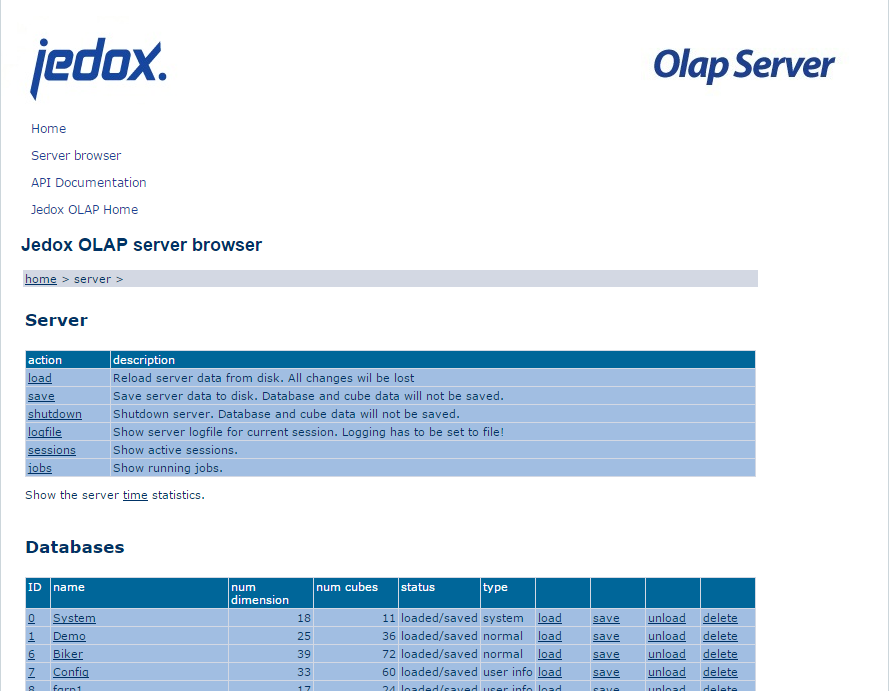
Figure 2: Jedox OLAP Server Admin Interface: Server Browser
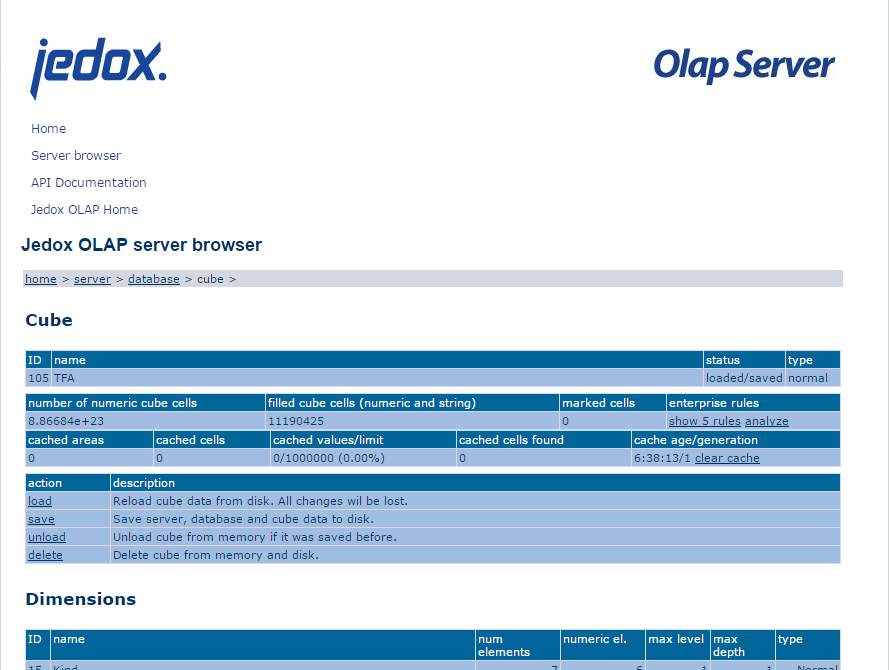
Figure 3: Jedox OLAP Server Admin Interface: Cube
Figure 4: Jedox OLAP Server Admin Interface: Rule Analysis
[1] Jedox Administrator Guide Version 5.1 SR3: 3.4.1 Parameters of palo.exe
[2] Jedox Administrator Guide Version 5.1 SR3: 3.5 Jedox OLAP Server http API and Server Browser
[3] Jedox Administrator Guide Version 5.1 SR3: 8.6.4 Classification of Rules by Engine
[4] http://explainshell.com/explain?cmd=ssh+-L+7778%3A127.0.0.1%3A7778+username%40servername
library(rgdal)# depends on 'sp'
library(maptools)# Get the countries' outlines
path_of_shape_file<-"D:\\maps\\shapefiles\\vdstech.com\\world"name_of_shape_file<-"world"world<-readOGR(dsn=path_of_shape_file,name_of_shape_file)#
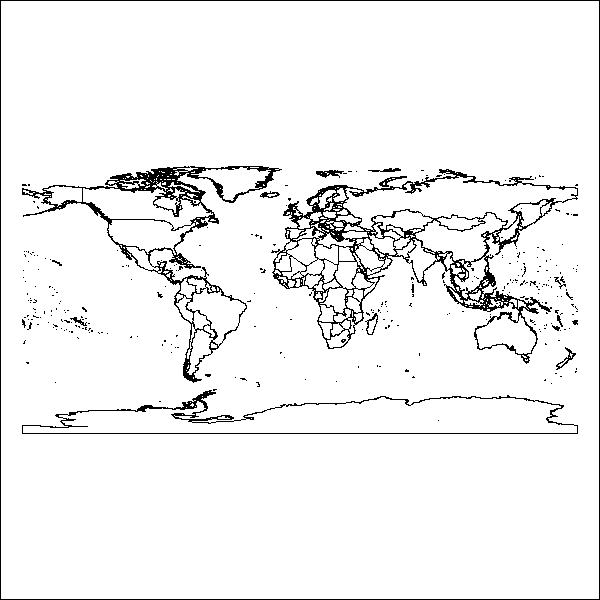
plot(world)box()
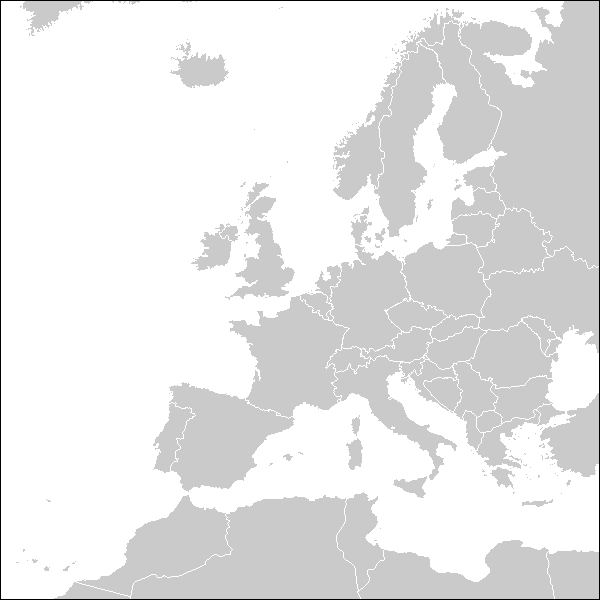
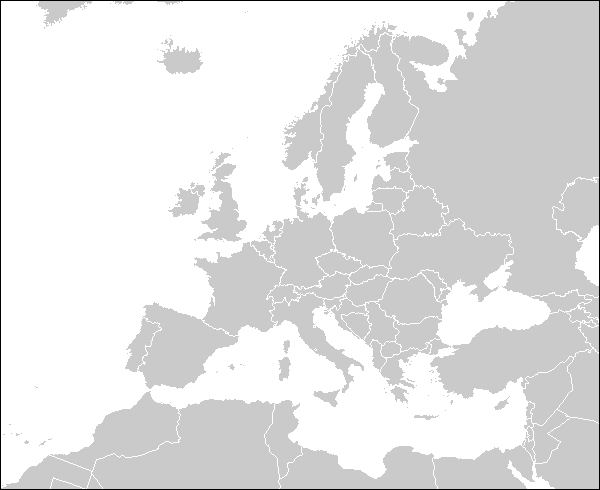
Projection for Europe
# Change projection
#
# Step 1:
# summary(world) => proj4string : [NA]
# So no projection is given :-(
# From http://www.vdstech.com/world-data.aspx I read that it should be WGS84
# more info http://spatialreference.org/ref/epsg/4326/
# more info http://georepository.com/crs_4326/WGS-84.html
crs.old<-CRS("+init=epsg:4326")# World Geodetic System 1984 - Geographic 2D CRS used in World
proj4string(world)<-crs.old#
# Step 2:
# Change projection to ETRS89 / LAEA Europe
# Europäisches Terrestrisches Referenzsystem 1989
# European Terrestrial Reference System 1989
# more info http://spatialreference.org/ref/epsg/3035/
# more info http://georepository.com/crs_3035/ETRS89-LAEA-Europe.html
# LAEA = Lambert azimuthal equal-area projection
crs.new<-CRS("+init=epsg:3035")# ETRS89 / LAEA Europe - Projected CRS used in Europe
world<-spTransform(world,crs.new)#
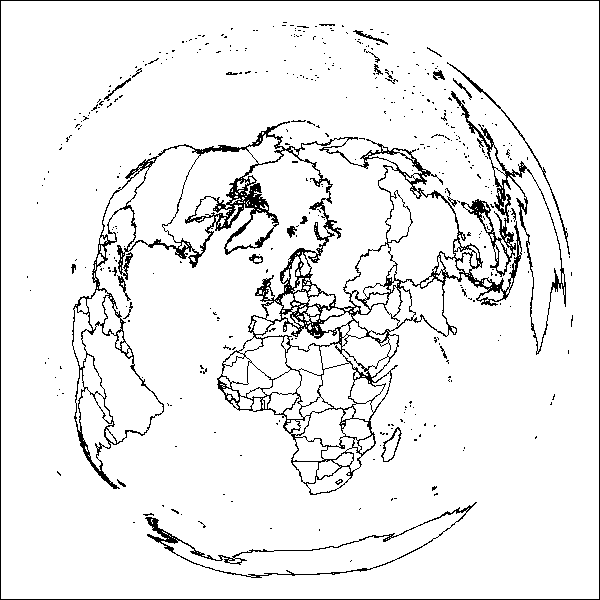
plot(world)box()
Zoom in and output to PNG
colCountryDefault<-"#cacaca"colCountryDefaultBorder<-"white"colWater<-"white"borderWidth<-0.8#
lon_range<-c(1.6e+06,6.0e+06)# W -> E
lat_range<-c(0.9e+06,5.3e+06)# S -> N
my_width<-600# Pixel
my_height<-(my_width*abs(diff(lat_range))/abs(diff(lon_range)))#
ts<-format(Sys.time(),"%Y%m%d-%H%M%S")FilePathName<-paste(c(getwd(),"/map",ts,".png"),collapse='')png(filename=FilePathName,width=my_width,height=my_height,pointsize=12,bg="transparent",res=72)par(mai=c(0,0,0,0))# sets margins in inches
par(mar=c(0,0,0,0))# sets margins in number of lines of text
plot(world,xlim=lon_range,ylim=lat_range,bg=colWater,col=colCountryDefault,border=colCountryDefaultBorder,lwd=borderWidth)box()dev.off()
Projections
Who knows which projection to choose for which map extract? Great helper:
Projection Wizard
That website helped me so far for the following maps:
# World, Compromise, Natural Earth
crs.new<-CRS("+proj=natearth +lon_0=0")world<-spTransform(world,crs.new)lon_range<-c(-12.8e+06,15.0e+06)# W -> E
lat_range<-c(-6.0e+06,9.0e+06)#S->N
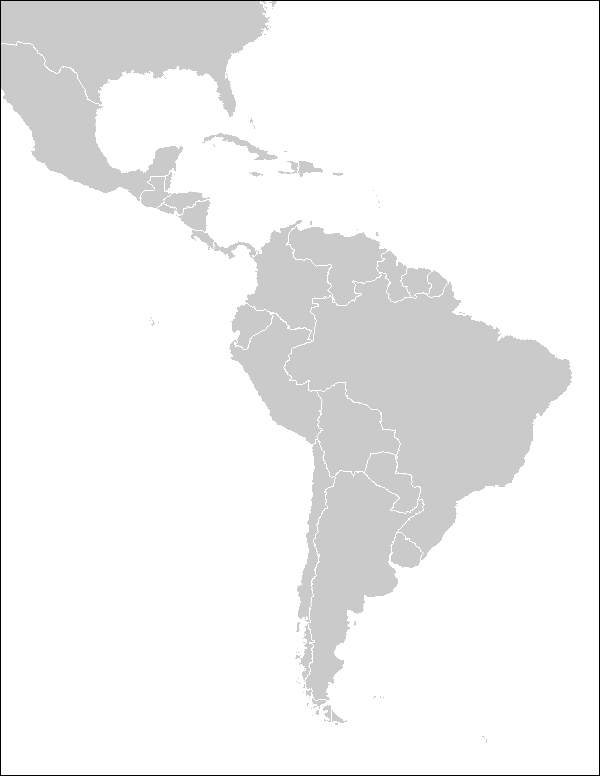
# Middle & South America, Conformal, Oblique Stereographic
crs.new<-CRS("+proj=stere +lat_0=-15 +lon_0=-65")world<-spTransform(world,crs.new)lon_range<-c(-5.0e+06,3.5e+06)# W -> E
lat_range<-c(-5.0e+06,6.0e+06)#S->N
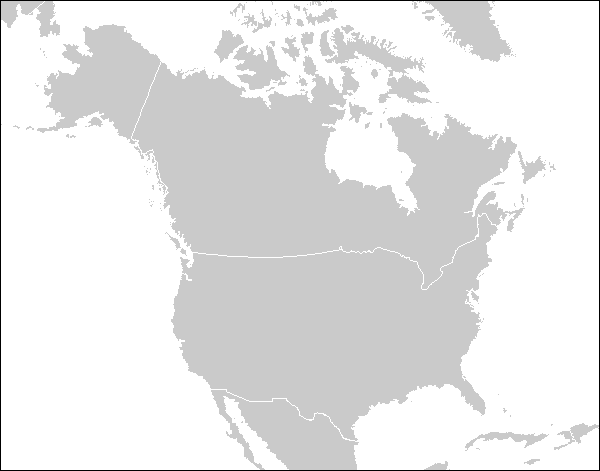
# North America, Conformal, Lambert conformal conic
crs.new<-CRS("+proj=lcc +lat_1=20.83 +lat_2=64.16 +lon_0=-110")world<-spTransform(world,crs.new)lon_range<-c(-3.0e+06,4.0e+06)# W -> E
lat_range<-c(3.0e+06,8.5e+06)#S->N
# Europe, Conformal, Lambert conformal conic
crs.new<-CRS("+proj=lcc +lat_1=36.83 +lat_2=64.16 +lon_0=15")world<-spTransform(world,crs.new)lon_range<-c(-3.1e+06,2.4e+06)# W -> E
lat_range<-c(4.0e+06,8.5e+06)#S->N
Kill the VirtualBox shared clipboard process and run it again.
Windows guest: VBoxTray.exe
Linux guest: VBoxClient --clipboard
Remote access
You enabled remote access to the VM but mstsc.exe gets stuck while initiating the remote connection?
Check the “Allow me to save credentials” option.
But un-check “Remember my credentials” right after you entered your password before you hit OK.
If you forget this you will have to delete the saved credentials the next time you will try to connect.
(This can be done on the initial mstsc.exe screen.)
Scenario: TikZ plot A compiles. TikZ plot B compiles. But TikZ plot A and B end with this error.
Solution: Search extra_mem_ in .../texlive/<year>/texmf-dist/web2c/texmf.cnf and read carefully. Then add the preferred settings to /texlive/<year>/texmf.cnf.
Example:
extra_mem_top = 4000000     % extra high memory for chars, tokens, etc.
extra_mem_bot = 4000000     % extra low memory for boxes, glue, breakpoints, etc.